
Getting started · 9/10
Zync on your phone
The Android app, with the same account.
- On your phone, open the download page and tap Download the APK.
- Open the file and allow installing apps from this source, if Android asks.
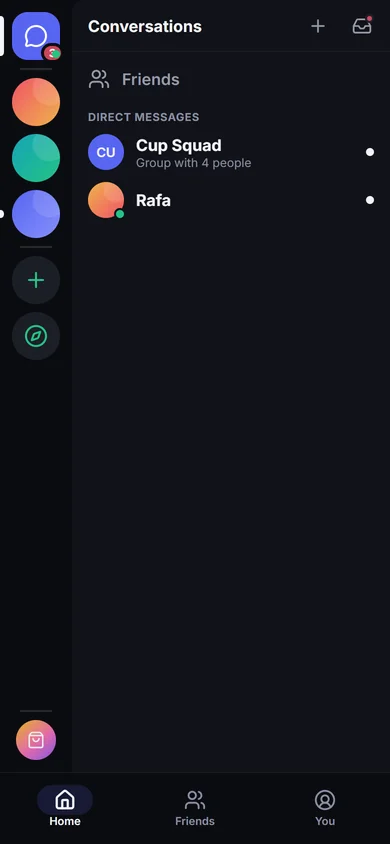
- Sign in with the same account: your servers, conversations and friends are there.
- The app updates itself; voice keeps going with the screen locked.
Learn more: Install, update and permissions