
Getting started · 7/10
Set up your profile
A photo, a name and a line about you.
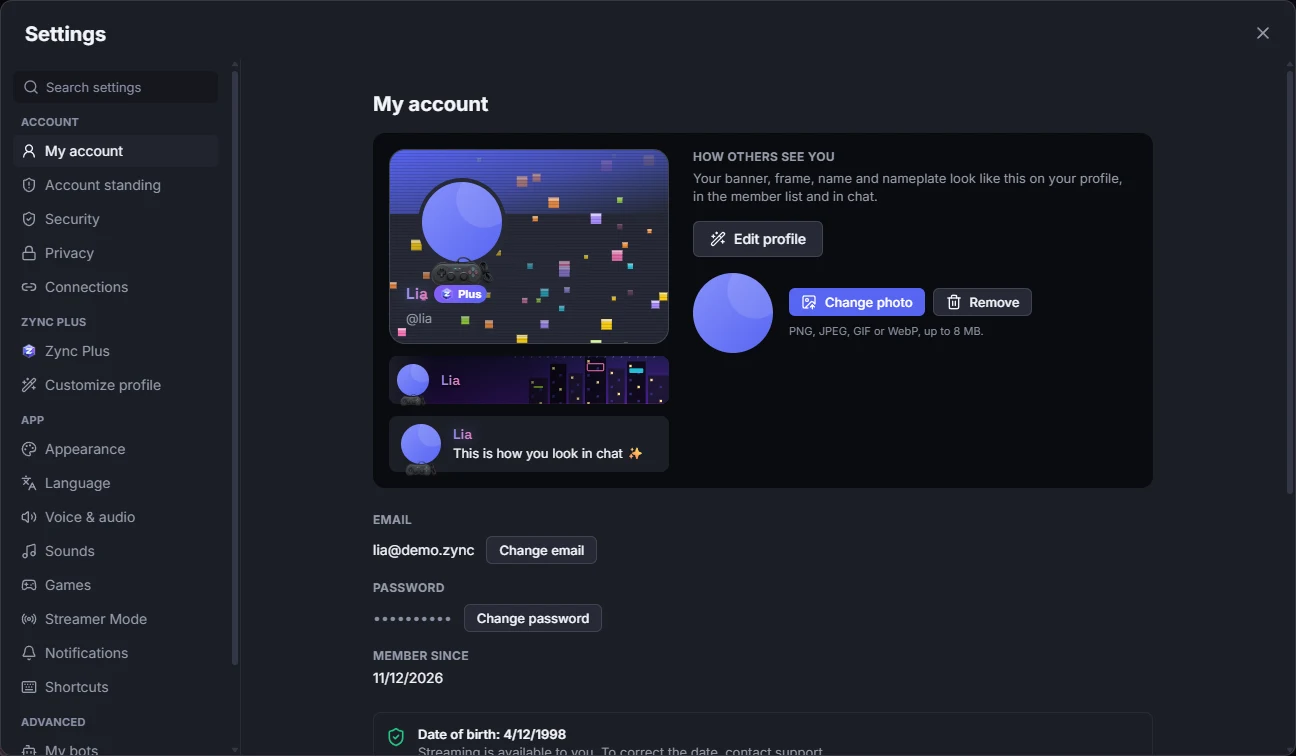
- In Settings → My account, change your photo and see How others see you.
- Use Edit profile for your display name, banner and About me.
- Your username is how people add you as a friend.
Learn more: Account, security and privacy