
Getting started · 4/10
Talk by voice
Join a voice channel with one click.
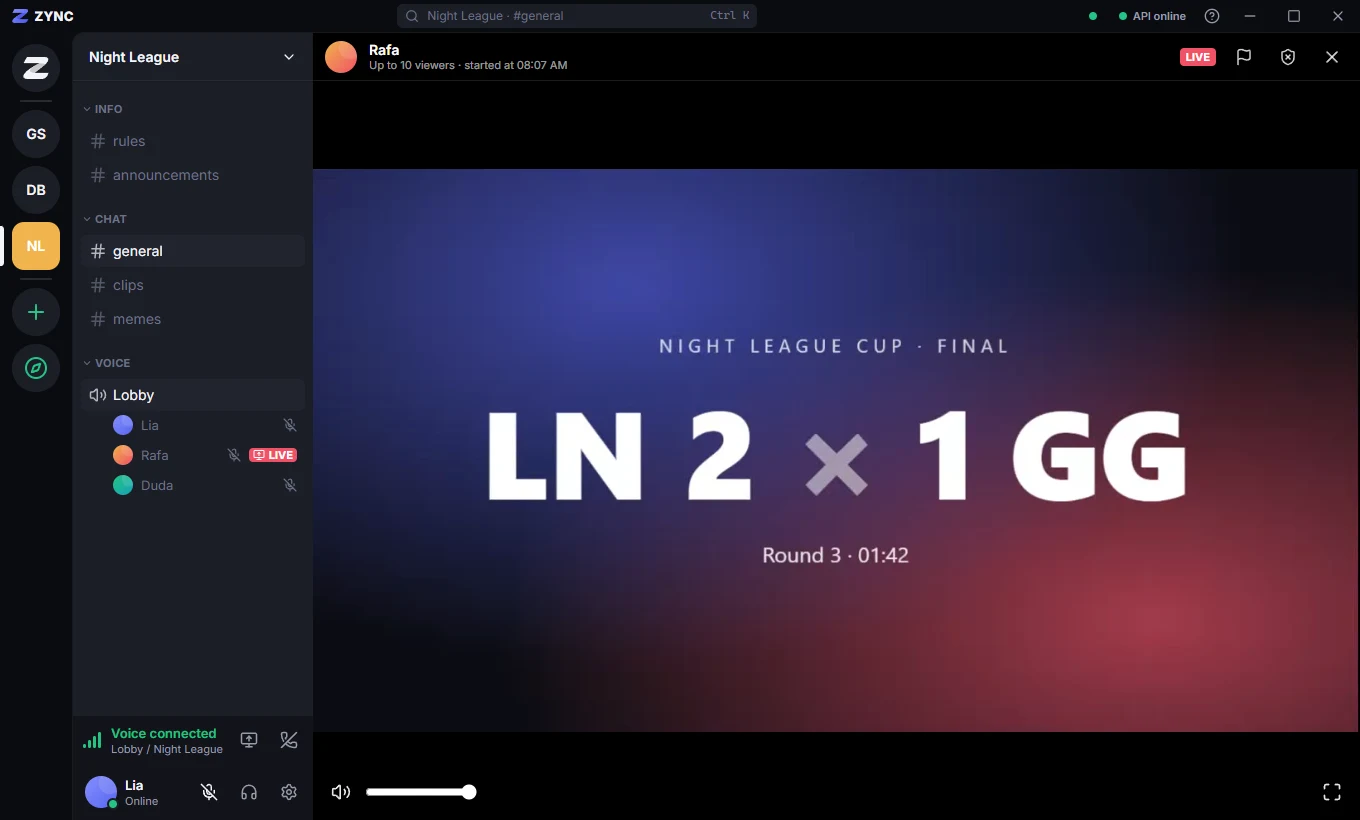
- Click a voice channel (🔊) in the channel list to join.
- The voice panel, below the list, has your microphone, sound and Leave voice.
- Pick your microphone and output in Settings → Voice & audio, with a microphone test.
- Each voice channel also has its own text chat, for links and notes.
Learn more: Noise suppression, push to talk and camera