
Getting started · 5/10
Share your screen
Show a game or a window to whoever is in voice.
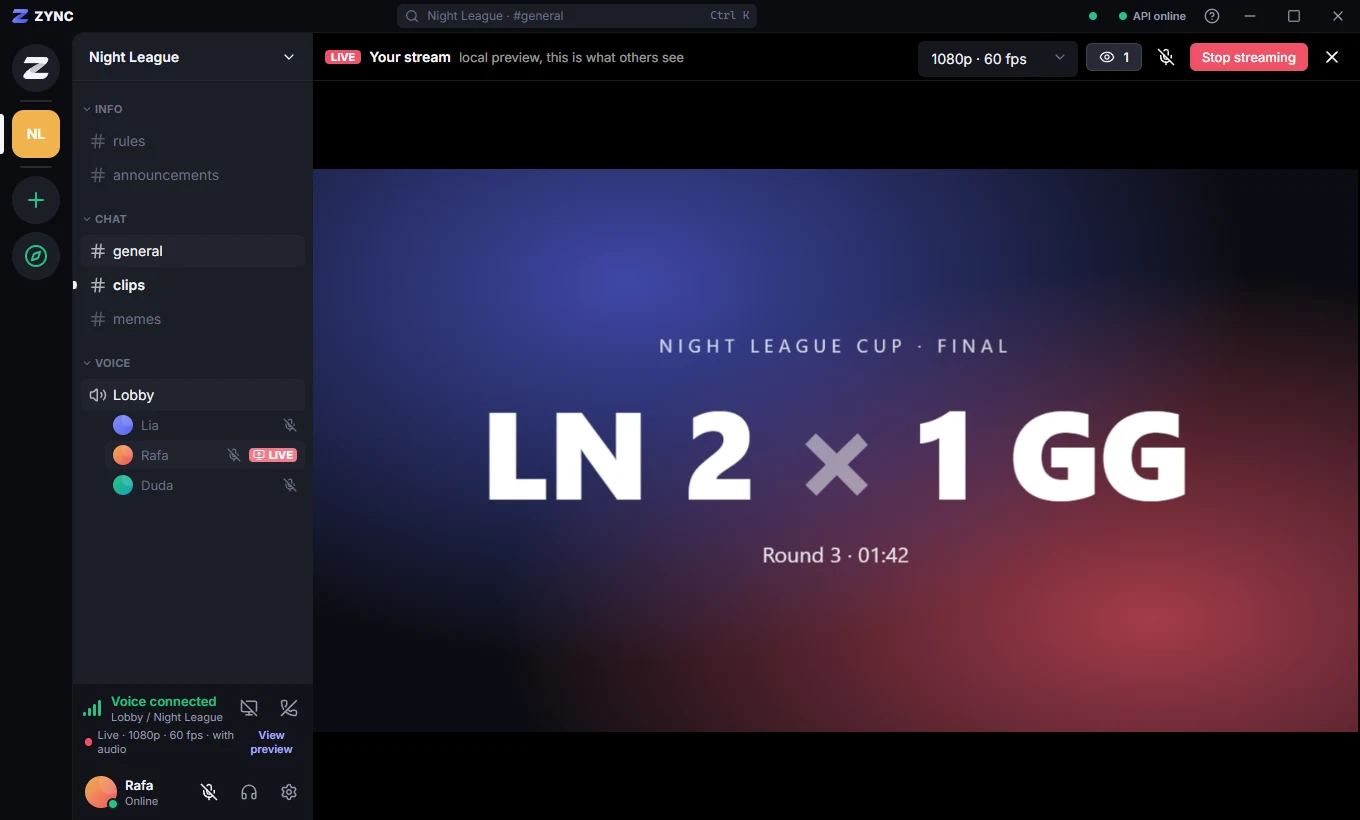
- Join a voice channel and use the Screen button in the voice panel.
- Pick the screen or window and the quality (up to 1440p at 60 fps).
- People in the server click LIVE next to your name to watch.
- Streaming and watching are for people 18 and over, by the account’s date of birth.
Learn more: Quality, audio and stream moderation