
Getting started · 3/10
Organize with roles
Separate who runs things, who moderates and who takes part.
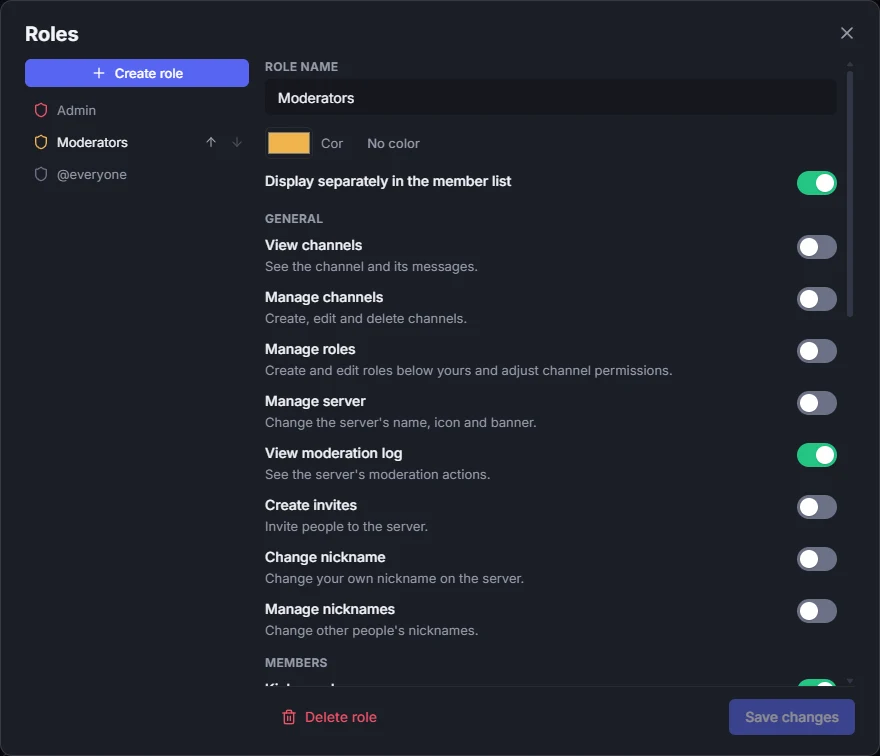
- In the server menu, open Roles and use Create role.
- Give it a name and color and turn on only the permissions it needs.
- The order of roles is the hierarchy: higher roles manage lower ones.
- To give someone the role, right-click them in the member list.
Learn more: Channel permissions and private channels