
Getting started · 6/10
Notifications your way
Get what matters and mute the rest.
- In Settings → Notifications, turn on desktop notifications and use Send test notification.
- For a whole server, right-click it and use Mute server.
- For a channel, use the bell in the channel header (Mute channel).
- Mentions of you still reach your inbox, even when muted.
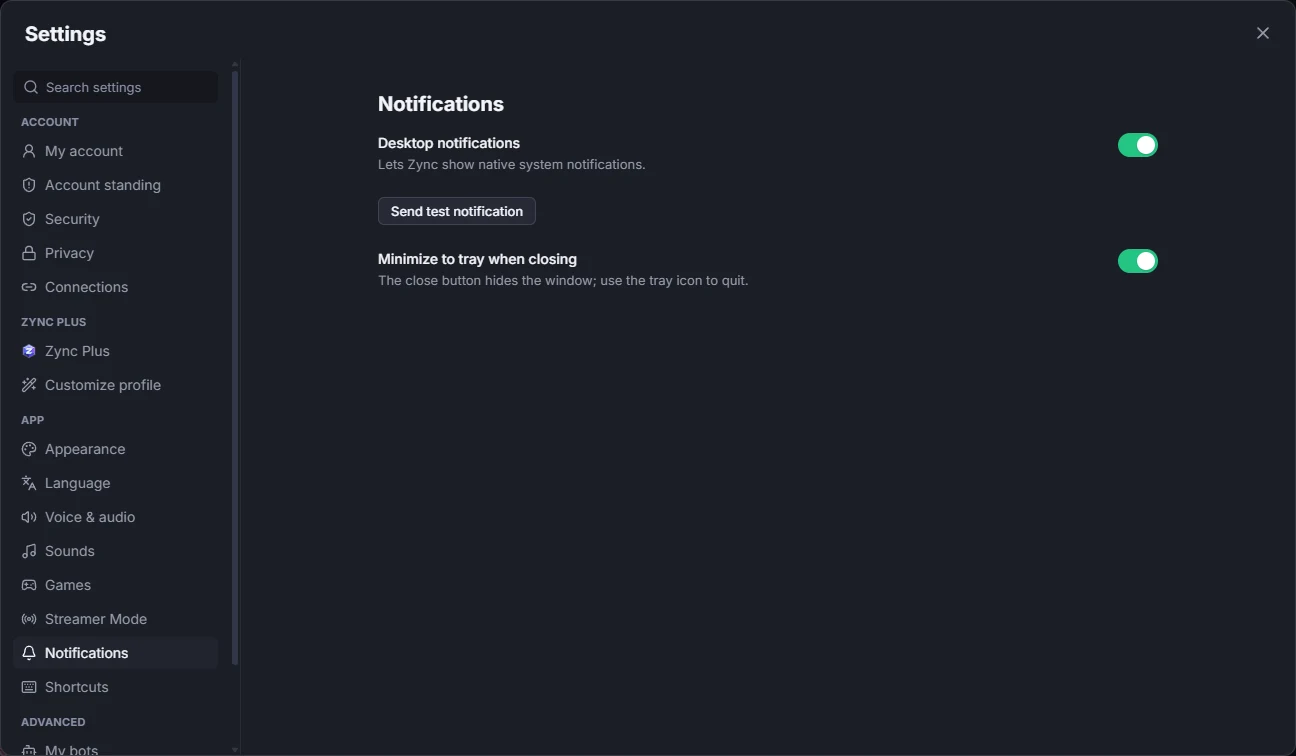
Learn more: Every notification option