
Getting started · 1/10
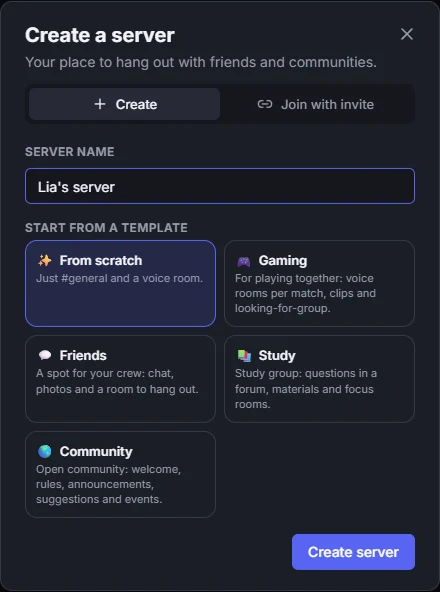
Create a server
A place for your community, in under a minute.
- On the server bar, on the left, click + (Add server).
- In Create a server, give it a name (you can change it later) and use Create server.
- Done: you own the server, with every permission. It already has a text channel and a voice channel.
Learn more: Channels, categories, events and more