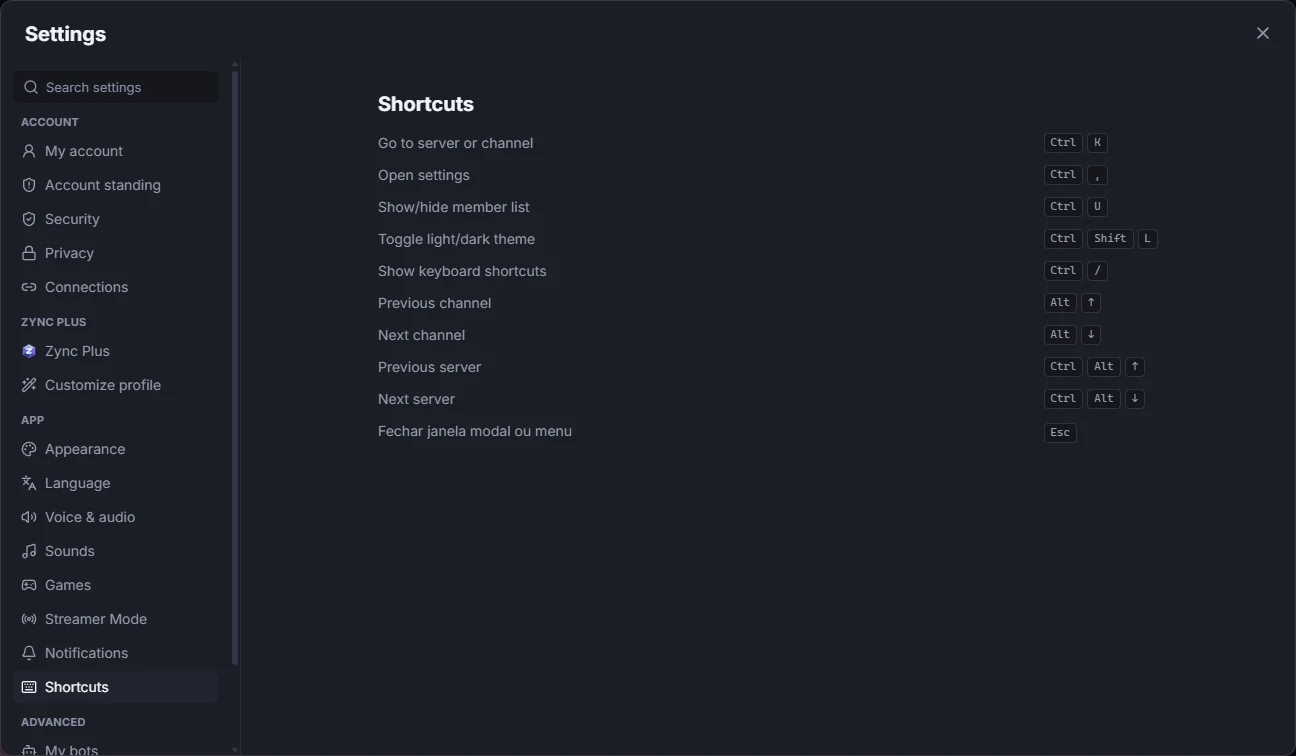
Open Settings with the gear at the bottom, next to your name (or with Ctrl + ,). Each section is in the list on the left:
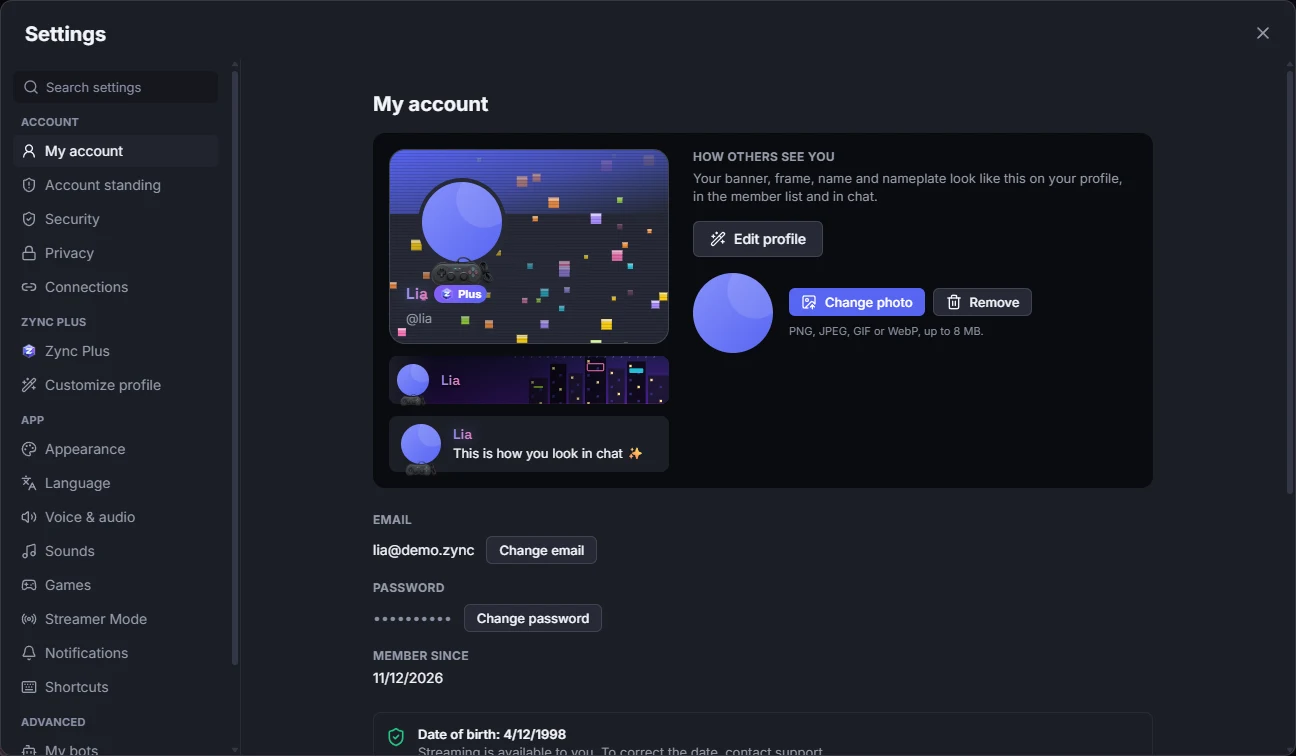
My account
Display name, photo, banner color and your "About me". Here you also find Change password, Change email (with a confirmation code) and Sign out. Your date of birth shows, but cannot be changed in the app.
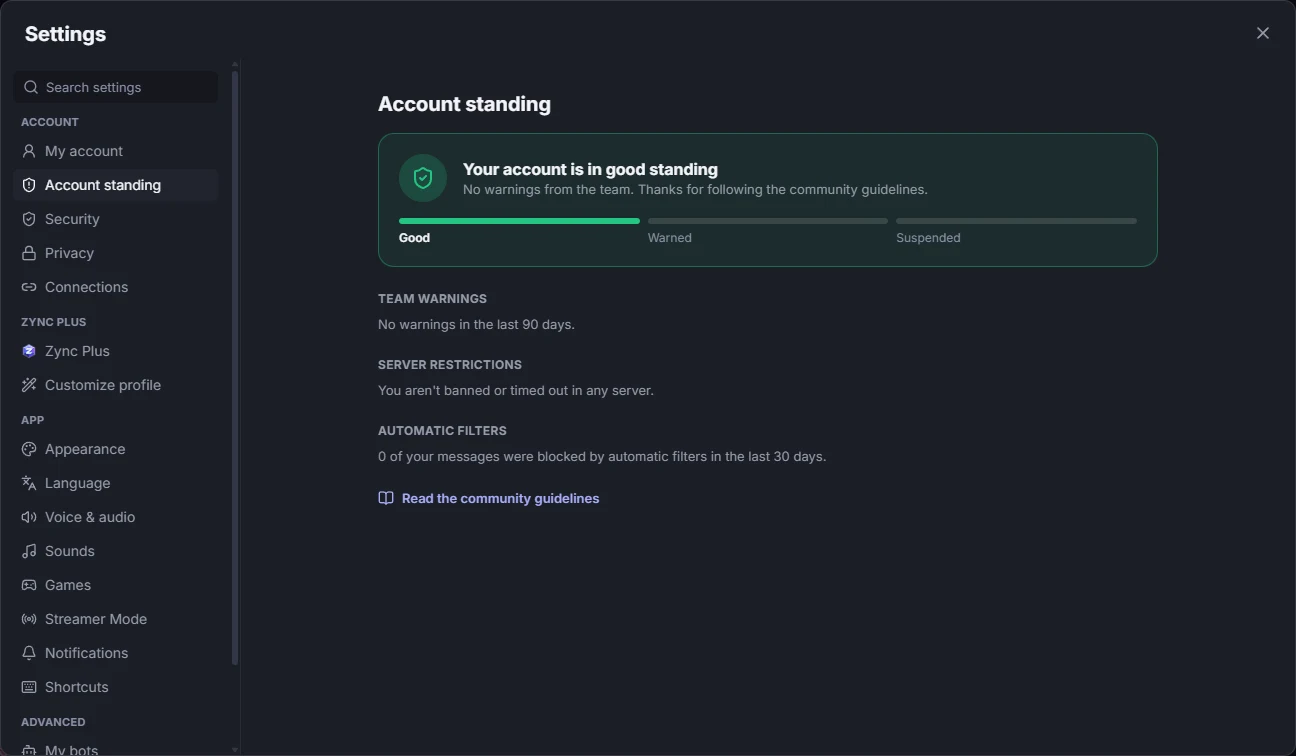
Account standing
Shows whether your account is Good, Warned or Suspended. Below are the Team warnings from the last 90 days (each with the reason and a Got it button), your Server restrictions (bans or timeouts), how many of your messages the Automatic filters blocked and the link to the community guidelines.
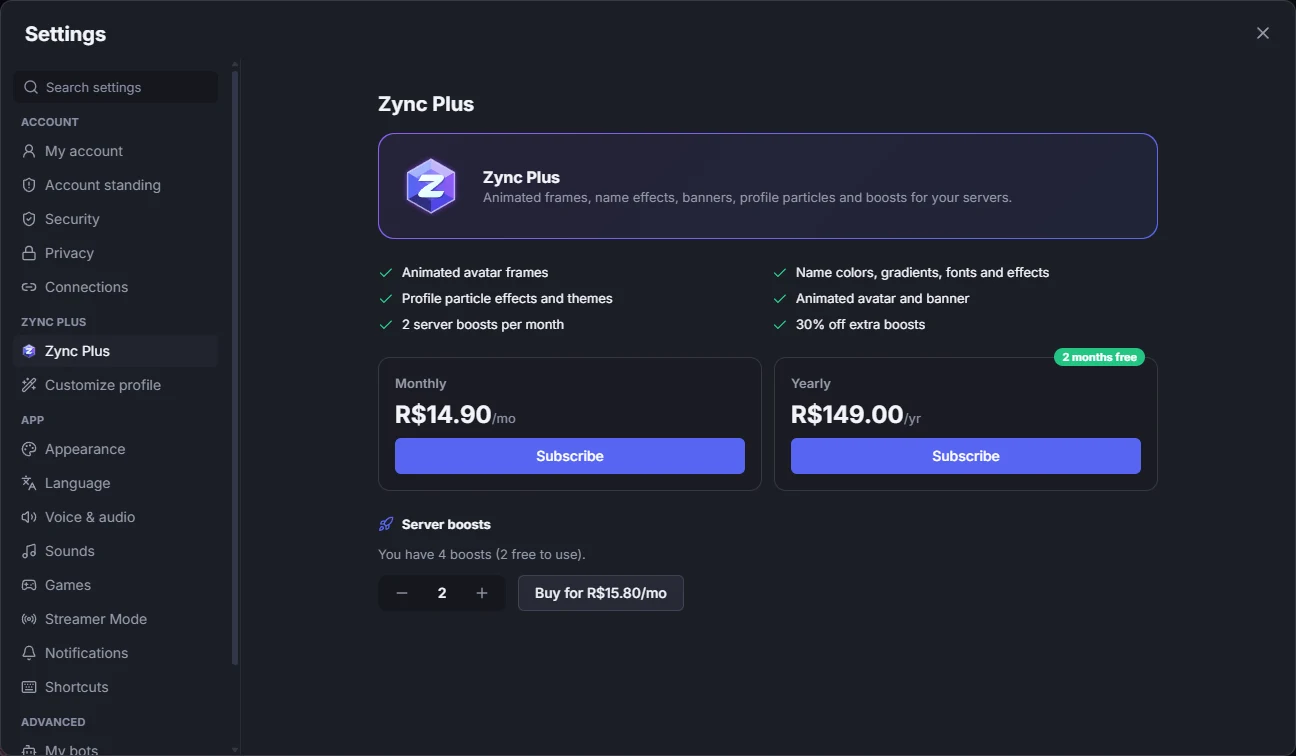
Zync Plus
Plans, your subscription, your boosts and payments, with Request refund within 7 days and the cancel button.
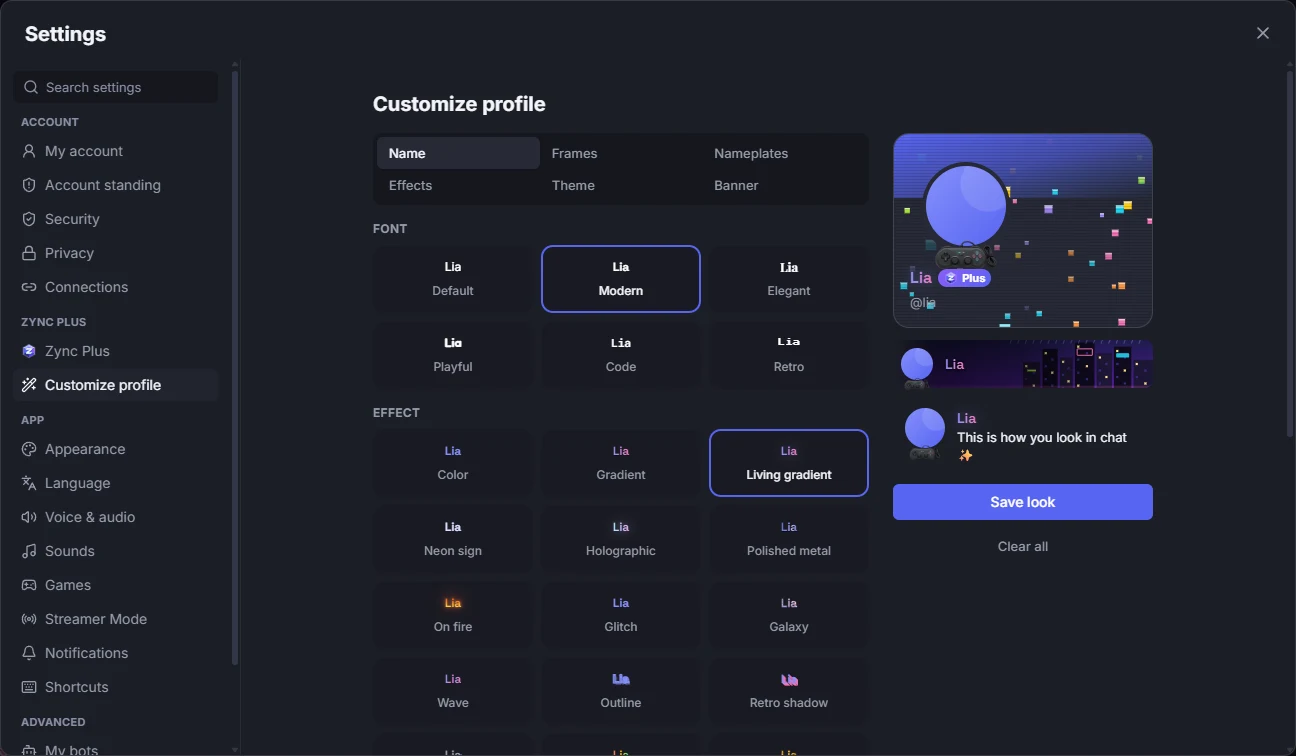
Customize profile
A name with font and effect, frames, nameplates, profile effects, theme and banner, with a live preview of your card, member row and a message. Items you bought in the Shop show the green badge.
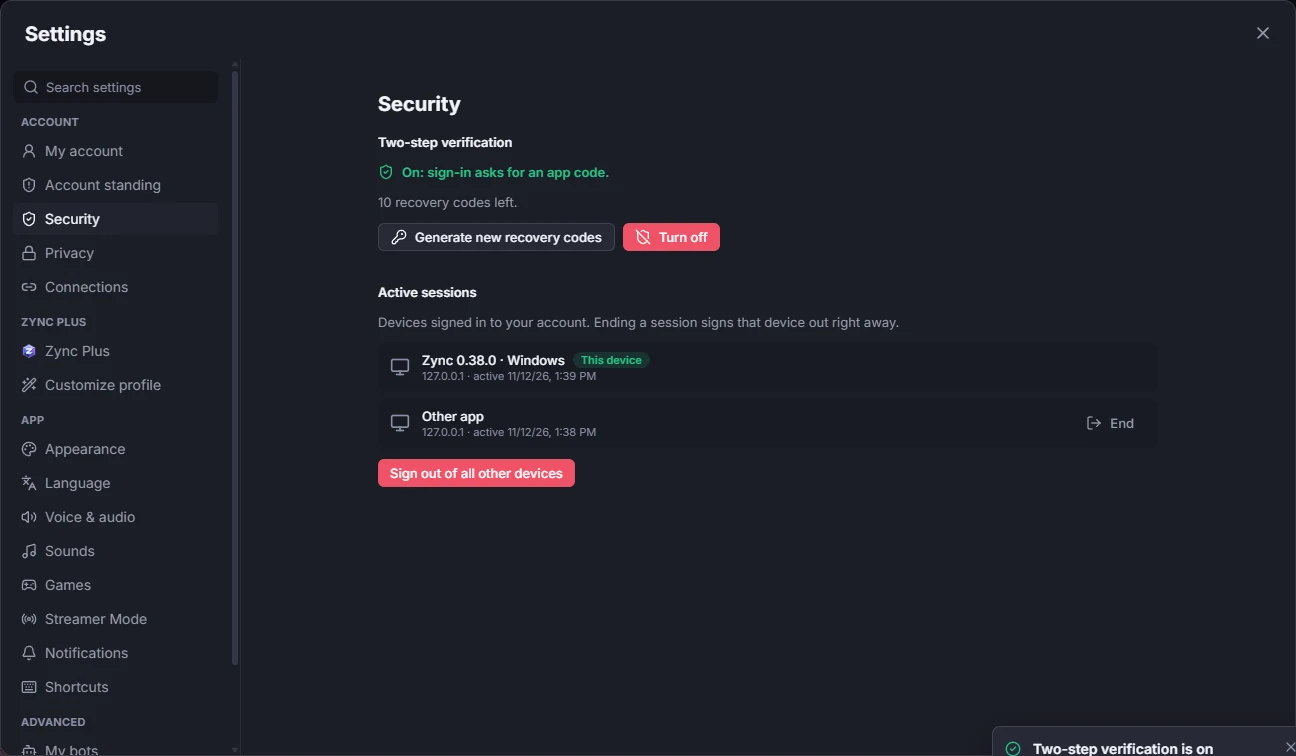
Security
Turn on Two-step verification with an authenticator app and keep the recovery codes. In Active sessions, see each connected device and sign out any you do not recognize.
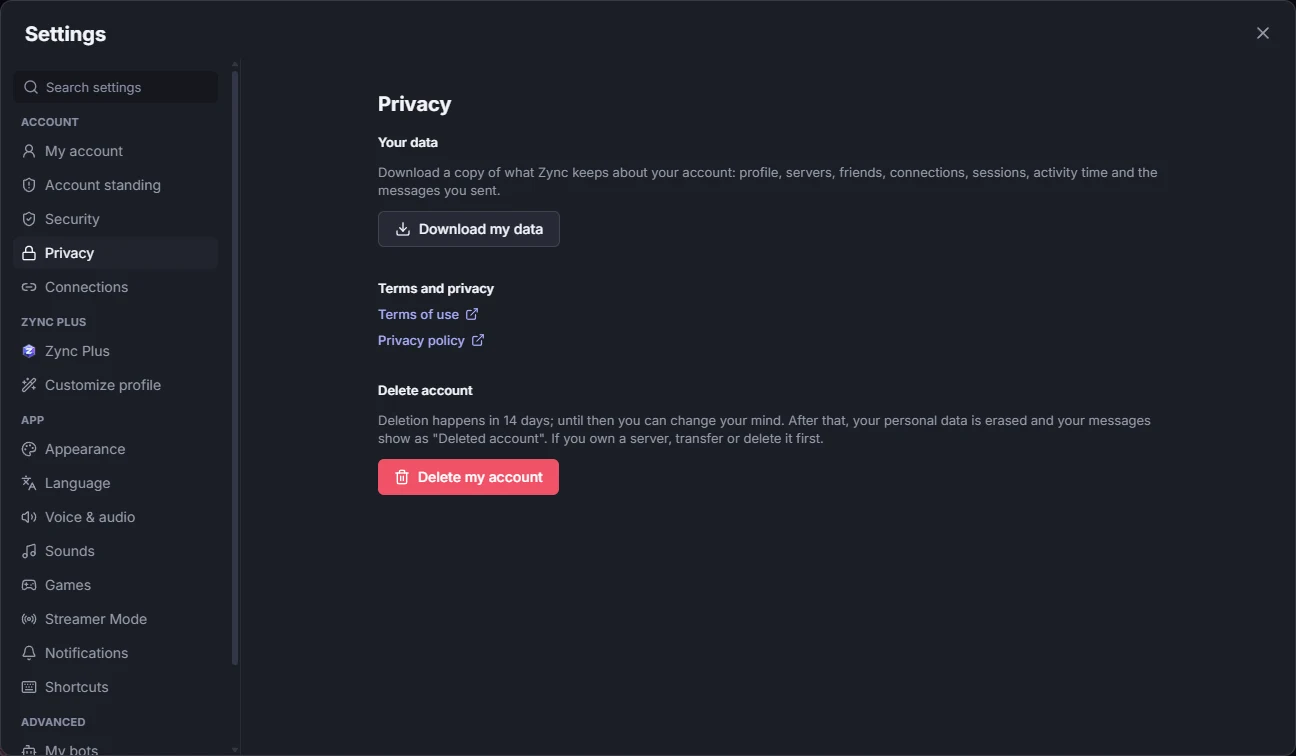
Privacy
The Terms of use and Privacy policy, Download my data (a file with what Zync keeps about your account) and Delete my account, with 14 days to change your mind.
Appearance
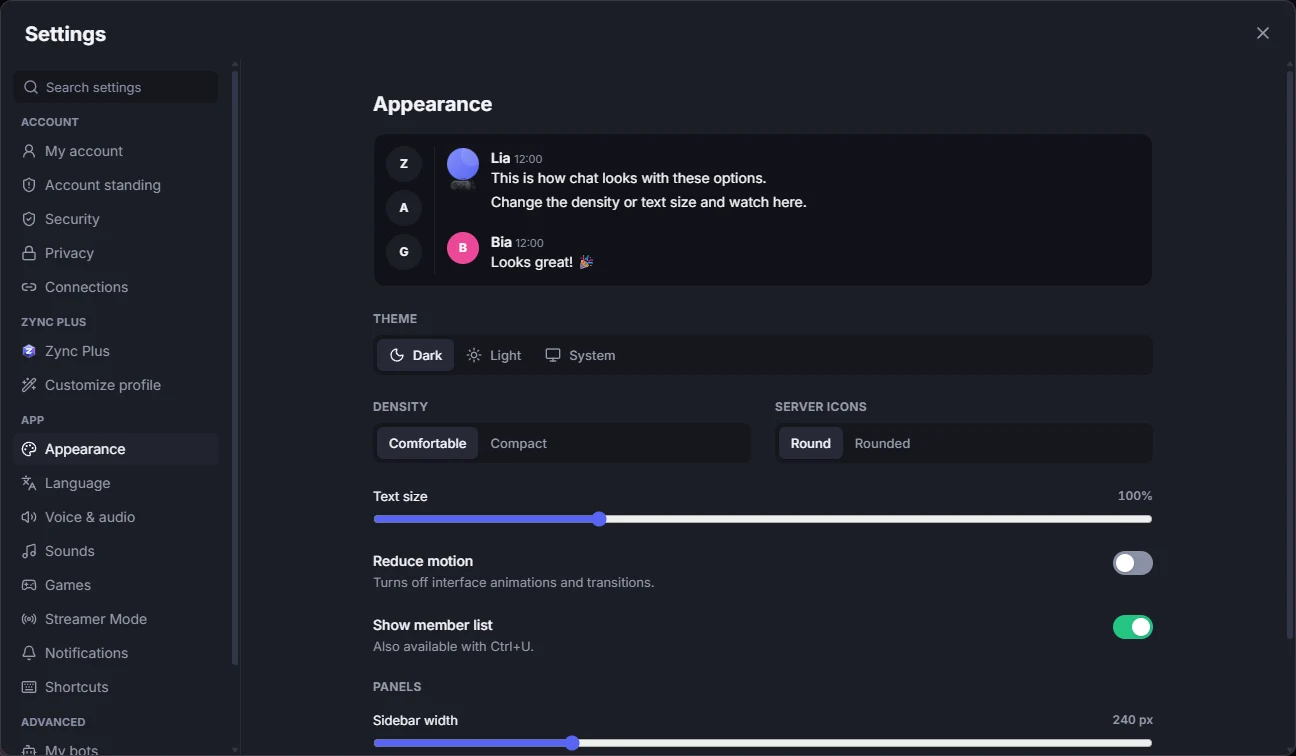
Dark, light or system theme, Reduce motion (turns off animations and transitions) and the member list next to the chat (also with Ctrl + U).
Language
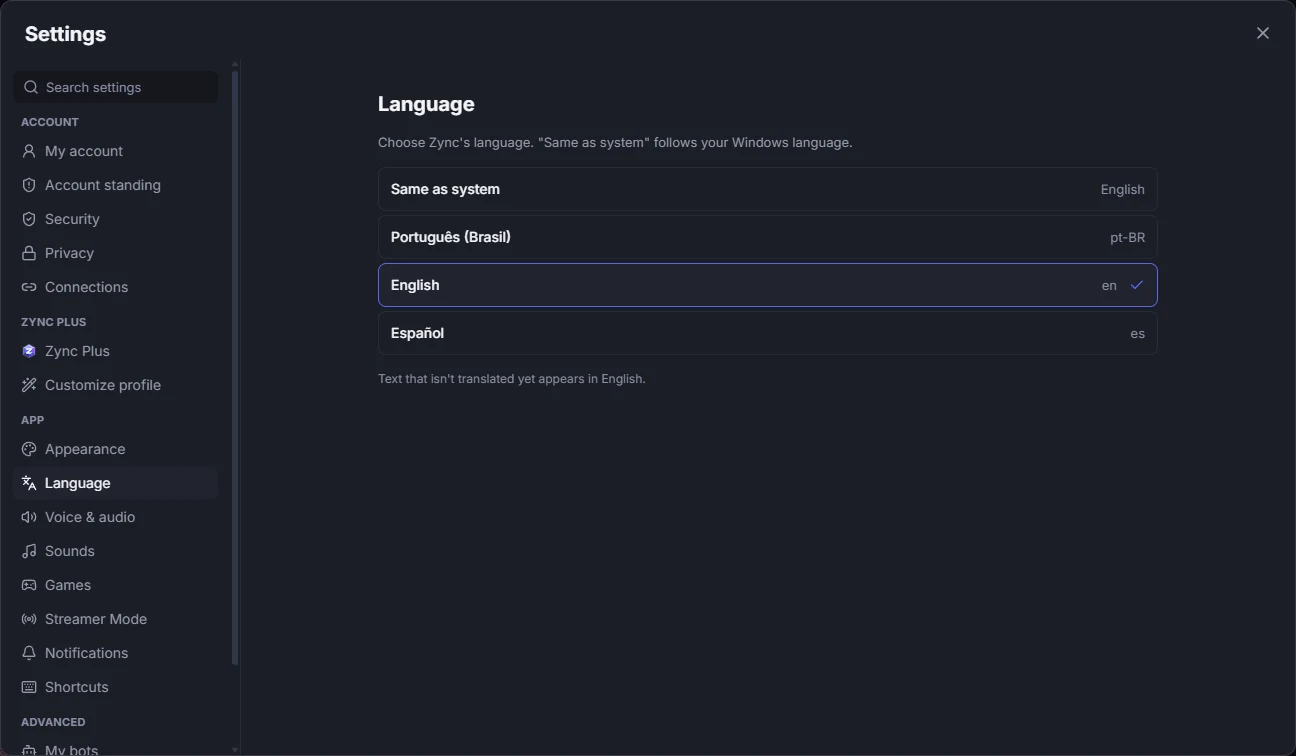
Portuguese, English or Spanish, or "Same as system". The change applies right away, no restart.
Voice & audio
Microphone and output, a mic test, noise suppression (including the AI one) and push to talk, with a key that works with Zync in the background. Step by step, with the screen, in Voice and screen share.
Sounds
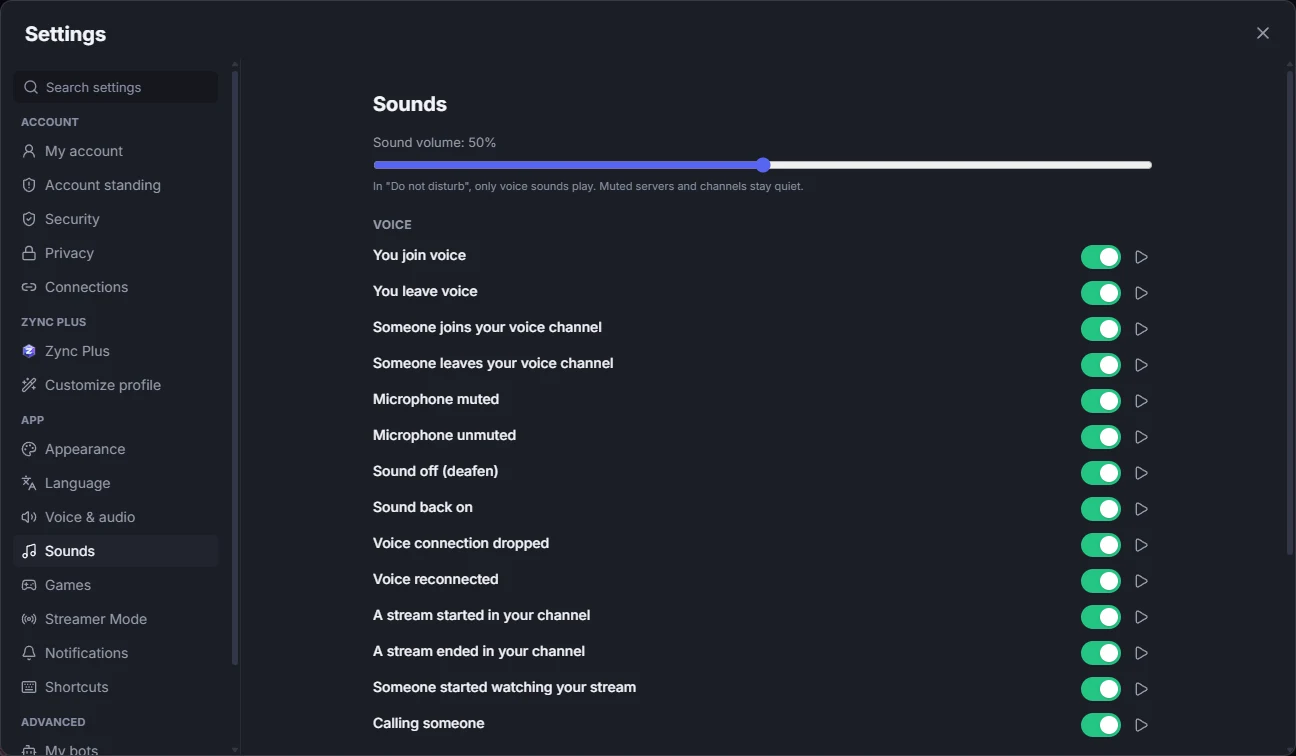
The app’s sound volume and which ones play: joining and leaving voice, someone joining your channel, mic and sound on and off, messages and notices. You can listen to each one first.
Games
Show the game you have open in your status and your level and badges on your profile, or turn both off. The list of open programs never leaves your computer. For a game Zync does not recognize, pick the program from the list.
Connections
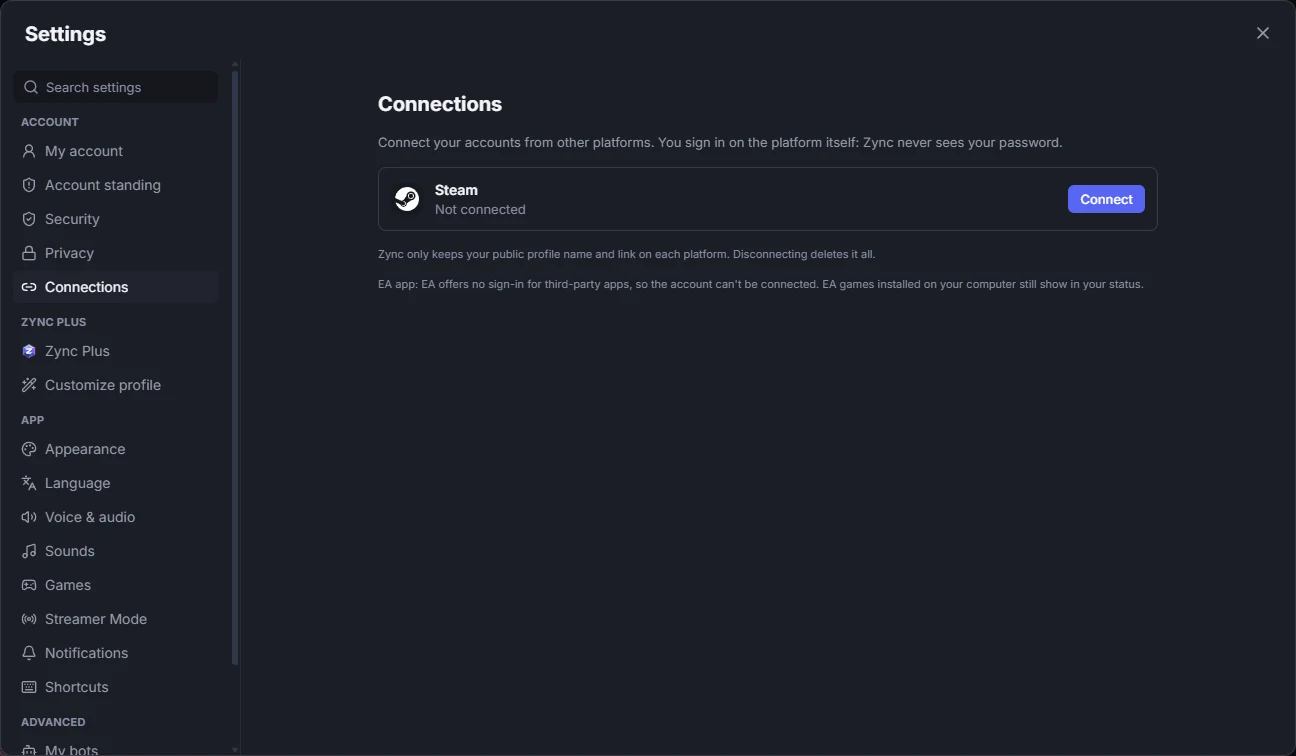
Connect Steam and other platforms to show the accounts on your profile. Zync only keeps the public name and link, and you choose what shows with Show on my profile.
Notifications
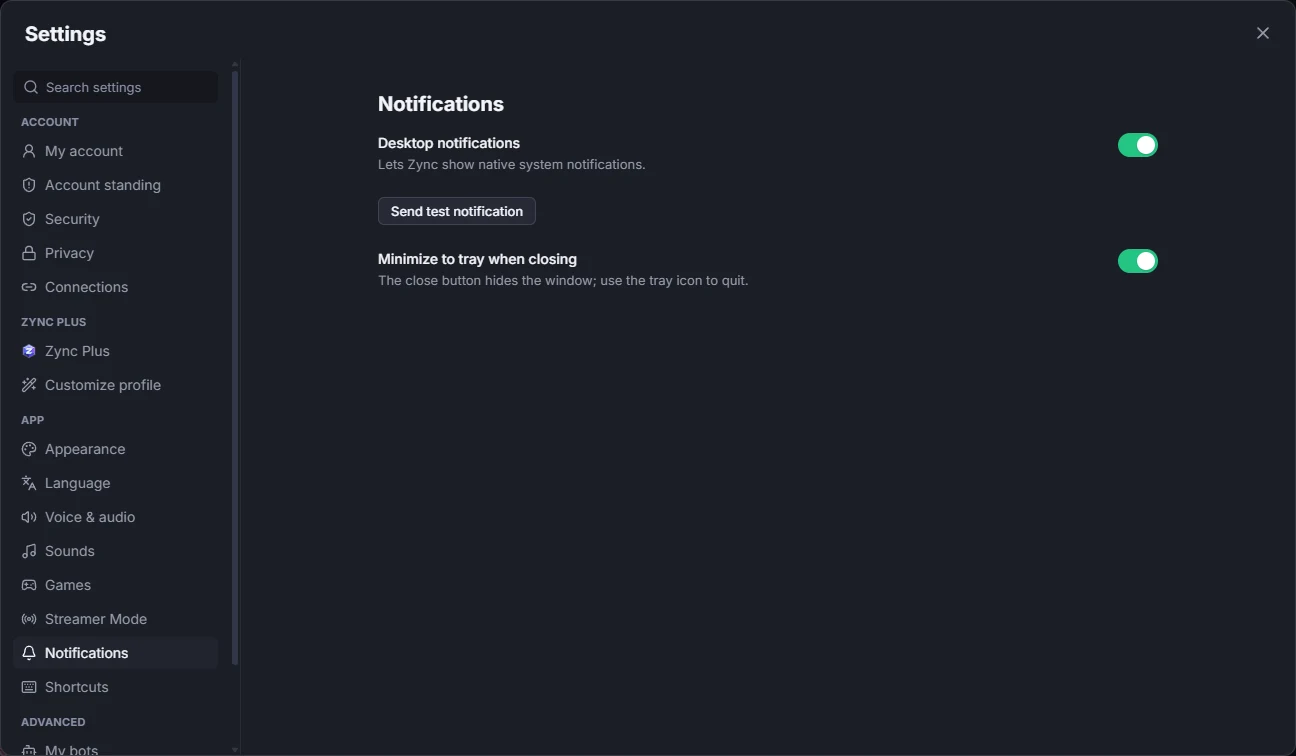
Turn Desktop notifications on or off, with a test notification, and choose whether closing the window minimizes Zync to the tray.
Shortcuts
The list of the app’s keyboard shortcuts (also with Ctrl + /). See them all in Keyboard shortcuts.